Point at what you like.
We build the rest around it.
You do not need to know what any of it is called. Open a section, put your name in, press play on the ones that feel right, and send us the numbers. That is the entire brief.
Features
What the finished site actually does. Booking that completes, lead capture that validates, a review wall, before and after, service-area checks, an AI assistant that answers out of hours, and the whole thing on a phone. Click any of it.
Open the section →
Openings
The animation that plays the second your site loads. Type that assembles, apertures, cinema bars, panels that part. Two seconds that decide whether anyone stays.
Open the section →
Scroll animations
What happens as people move down the page. Pinned chapters, parallax, horizontal galleries, figures that count up, cards that stack. Scrolling is the only thing every visitor does.
Open the section →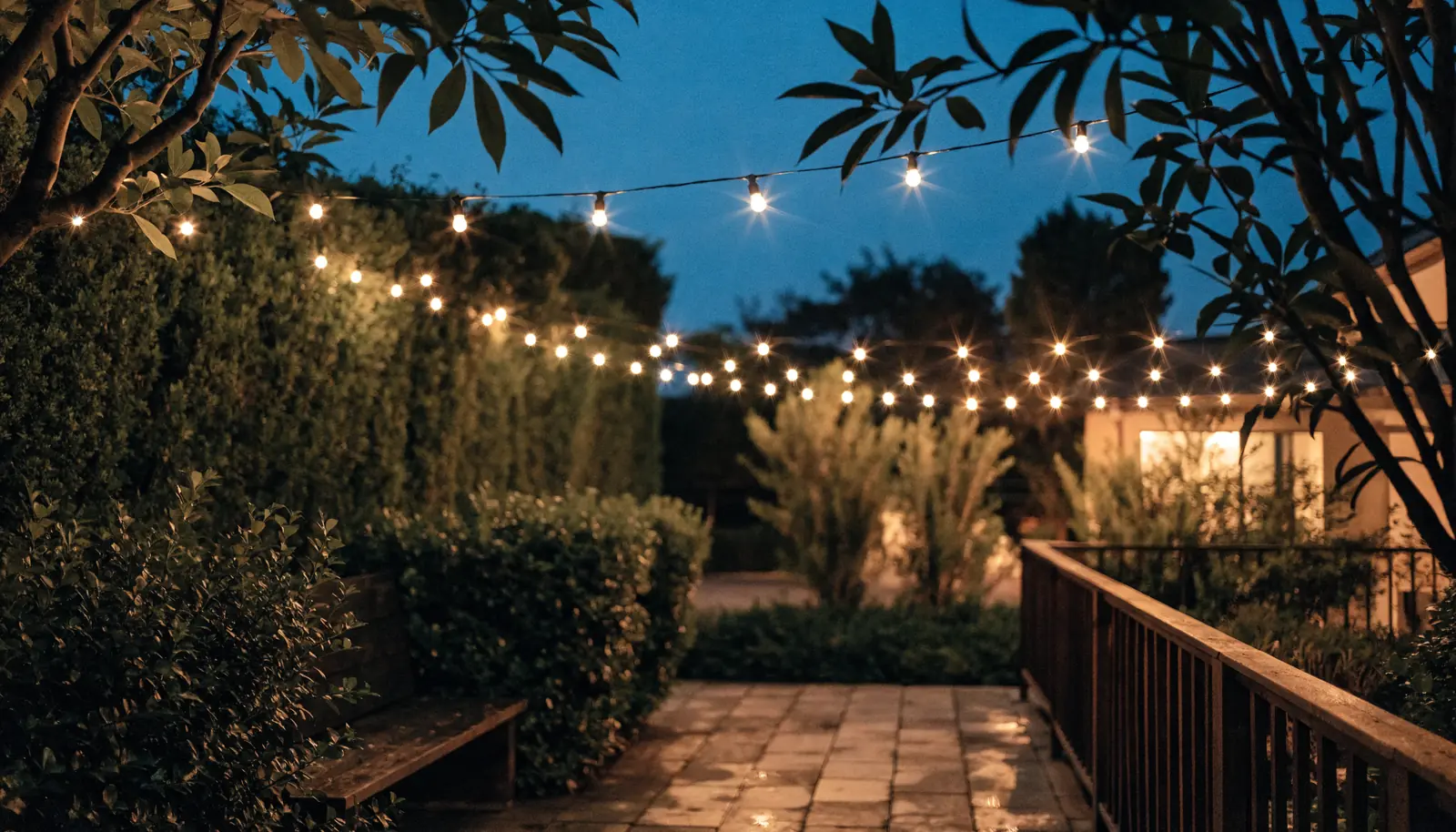
Cursor effects
The mouse pointer as part of the design. Followers, magnets, a spotlight that uncovers a second image, a loupe over fine detail. Small, and the fastest way to look expensive.
Open the section →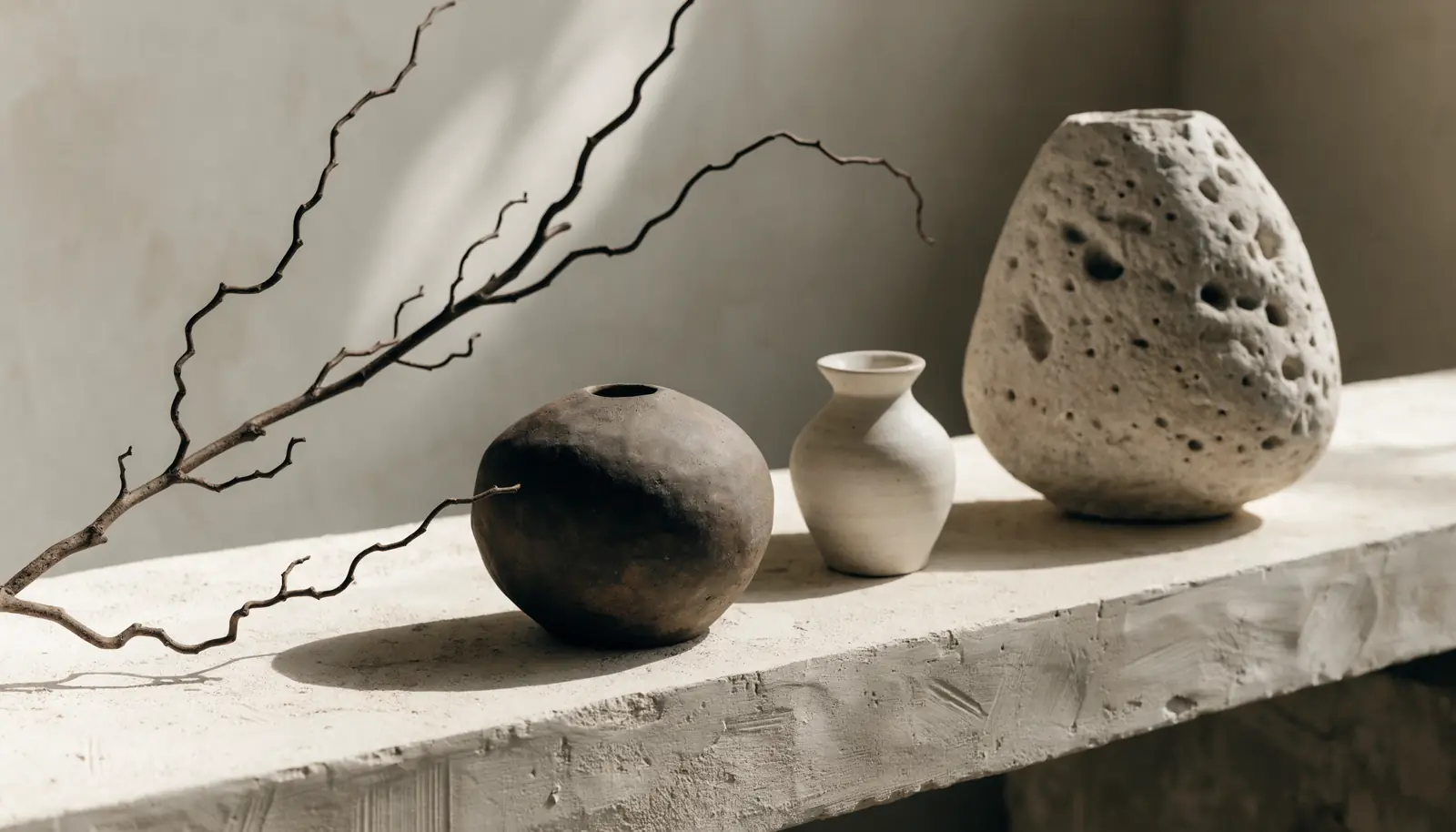
Text styles
How your words are set. Editorial pairings, kinetic headlines, gold foil wordmarks, photographs living inside letters. Before a single image loads, the type is already selling.
Open the section →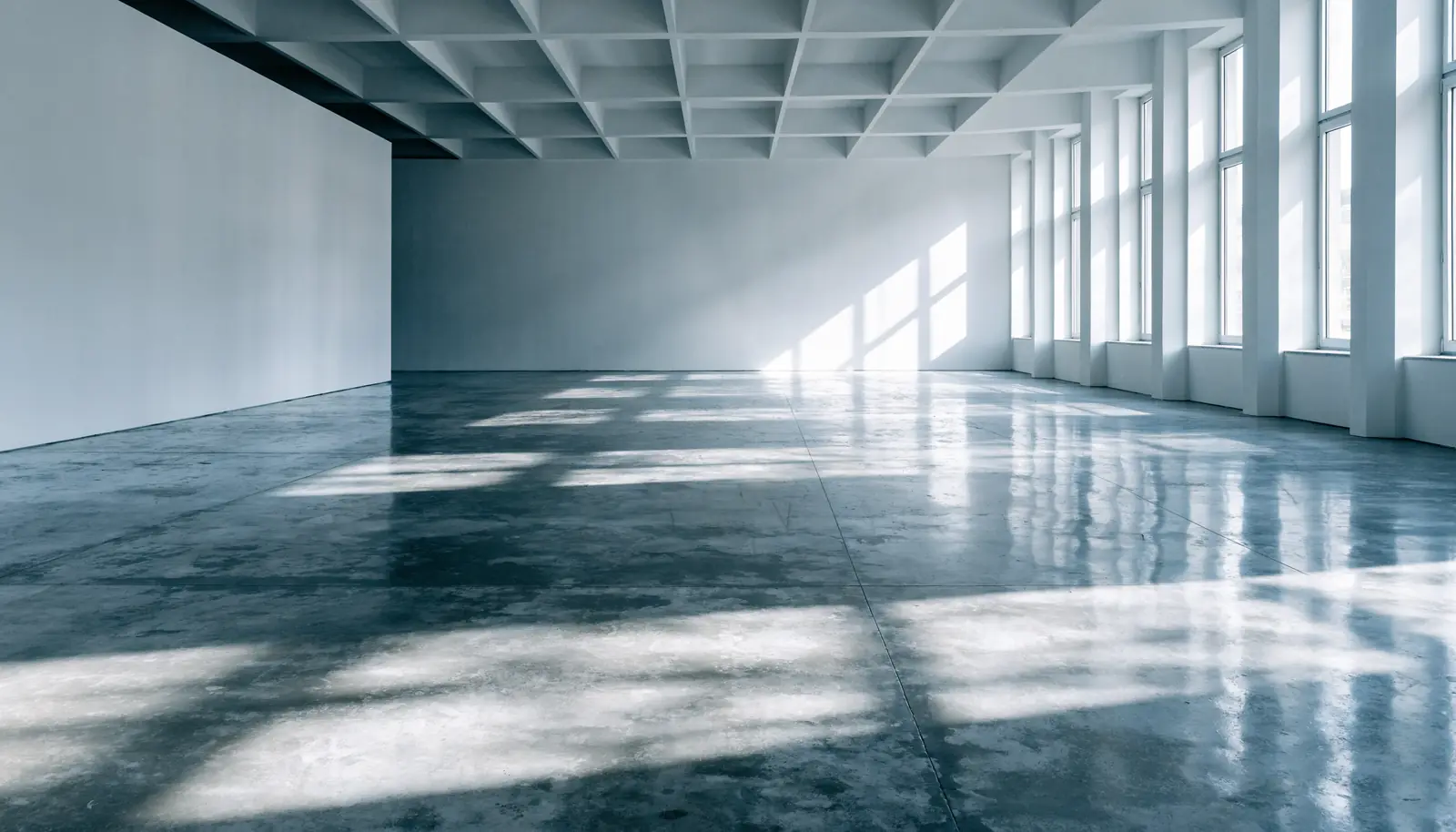
Fonts
The actual typeface. Twelve pairings on one identical page, so only the type changes. Pick one and the whole showcase re-sets in it, including every opening, scroll effect and text treatment.
Open the section →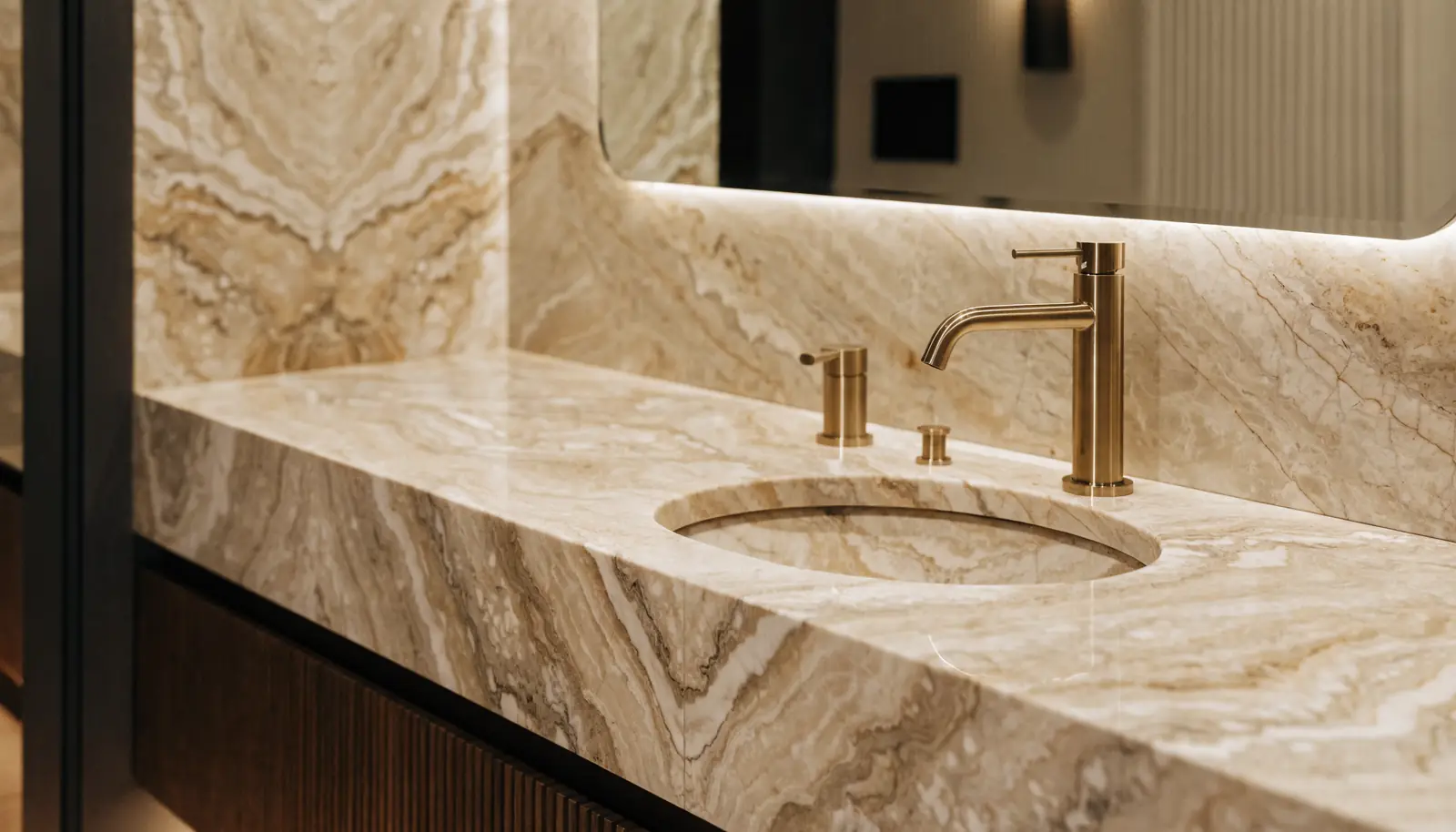
Colors
One accent doing every job a brand color has to do: eyebrows, emphasis, buttons, rules, cursors. Twelve of them on the identical page. Pick one and the whole showcase re-tints.
Open the section →
Your build
Pick one of each, set your name, typeface and color, and watch the whole thing run together as a single page. It writes your brief as you go, ready to copy and send.
Open the section →Four steps from this page
to your site.
Most website projects stall in the first meeting, because describing a feeling is hard and nobody wants to be the one who says "make it pop". This page removes that conversation entirely.
Book a 15-minute callMake it yours in three moves
Type your business name into the field at the top of any section, choose a typeface in Fonts, choose an accent in Colors. Every demo on the site takes all three instantly, so you are judging your site and not somebody else's.
Add what you like to your preview
Every demo has an Add to my preview button. Press it on the ones that feel right and they collect on the Your build page, running together as one live page.
Copy the brief and send it
Your build page writes it for you: name, typeface, color and the four effects you chose. Copy it, send it over, and we come back with a fixed price and a date.
We build it and ship it
Your logo, your photography, your words, on top of what you chose. Full site, tested on desktop and phone, deployed, with the forms wired into your inbox and your CRM. Then it is yours.
None of this slows
your site down.
No libraries, no players, no licenses
Every effect here is written in the browser's own languages. A typical opening is under four kilobytes, which is smaller than the icon in your browser tab.
A graceful fallback where it matters
All of it runs on a phone. Anyone who has asked their device to reduce motion, or is on a connection too slow for it, gets the same page held still instead. Nothing breaks and nothing is missing.
Search engines read plain text
Underneath every animation is ordinary, readable markup. Google sees your headline, not a video it cannot open.